// For Architects & Designers
Photorealistic
renders.
In seconds.
Upload your model, add your moodboard, and render every angle yourself — no visualization studio needed.
10 free renders -- No card required
// How it works
Three steps from 3D model to photorealistic render
Upload your model
Drop a SketchUp or GLB file.
Capture your angles
Pick your camera angles and add style references.
Hit render
Photorealistic results in seconds. No prompts needed.
// Multi-view consistency
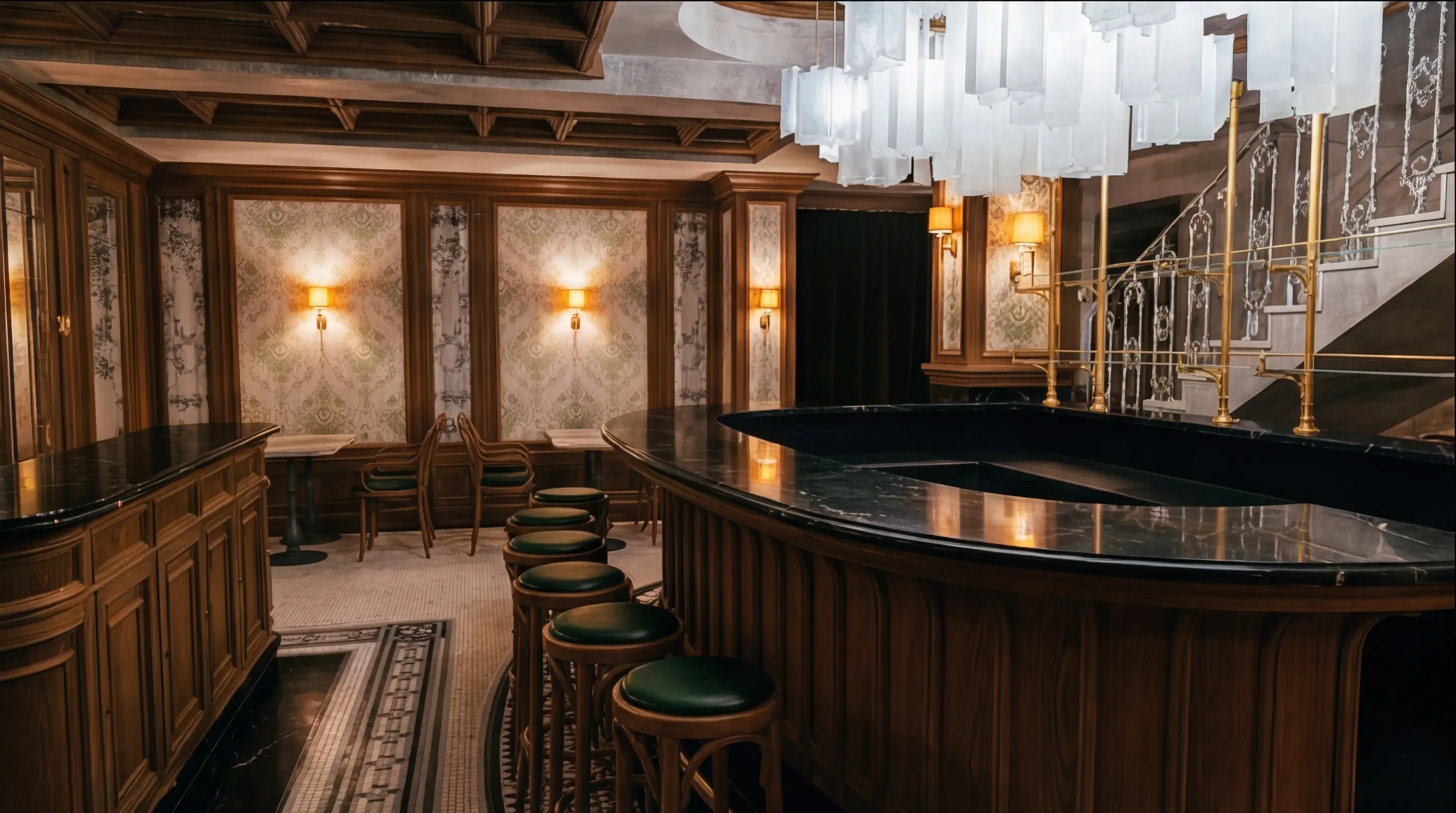
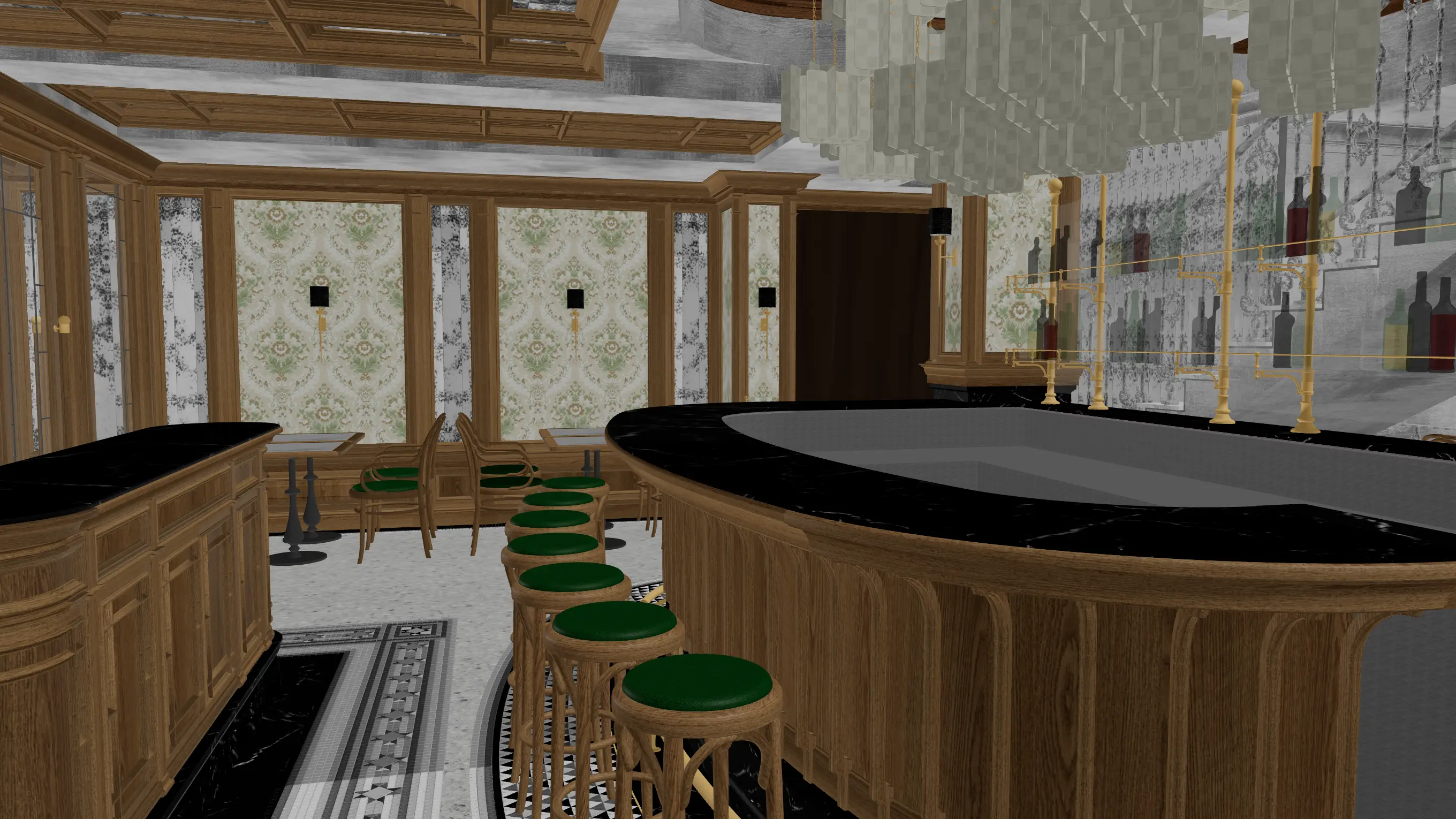
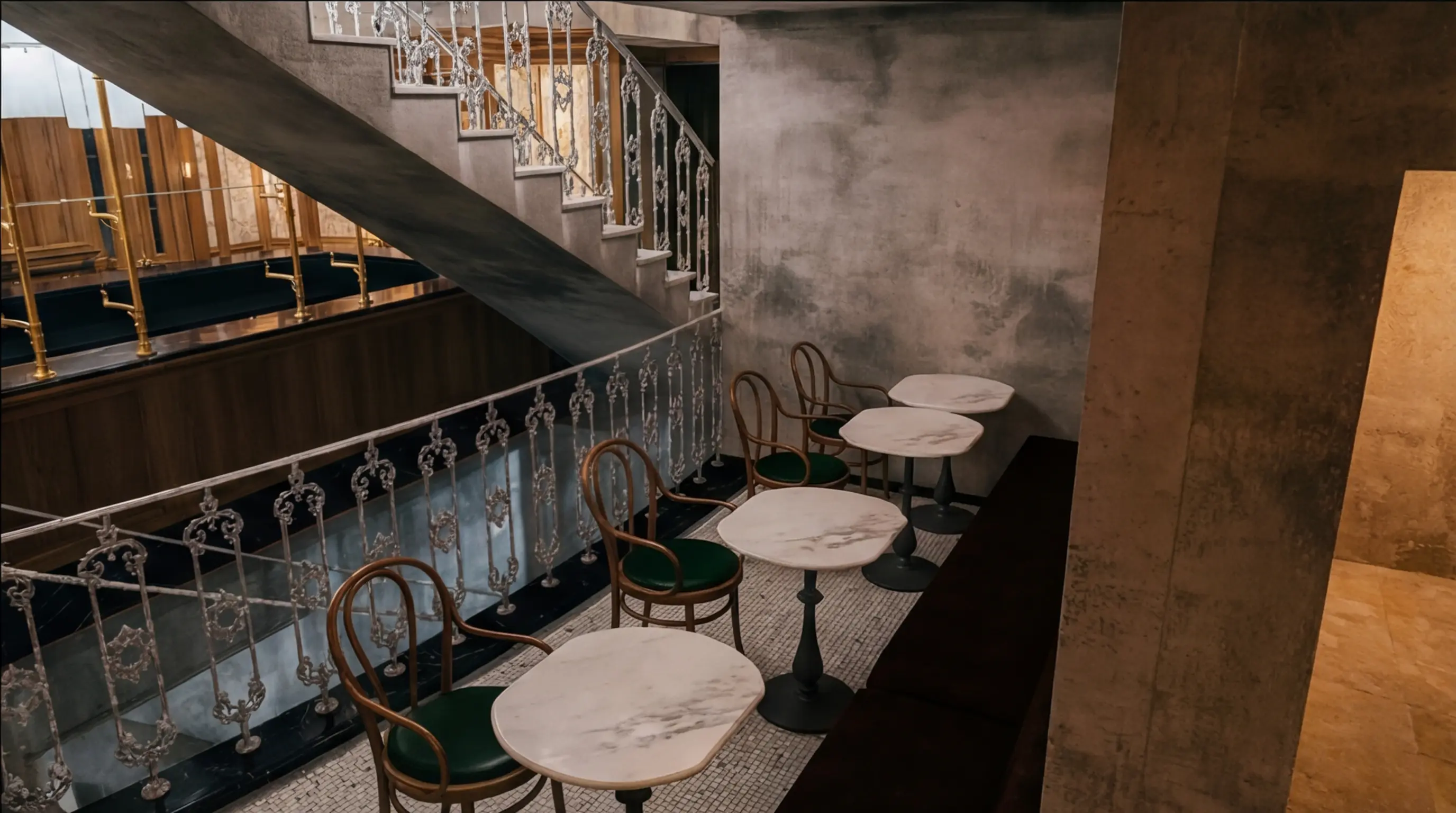
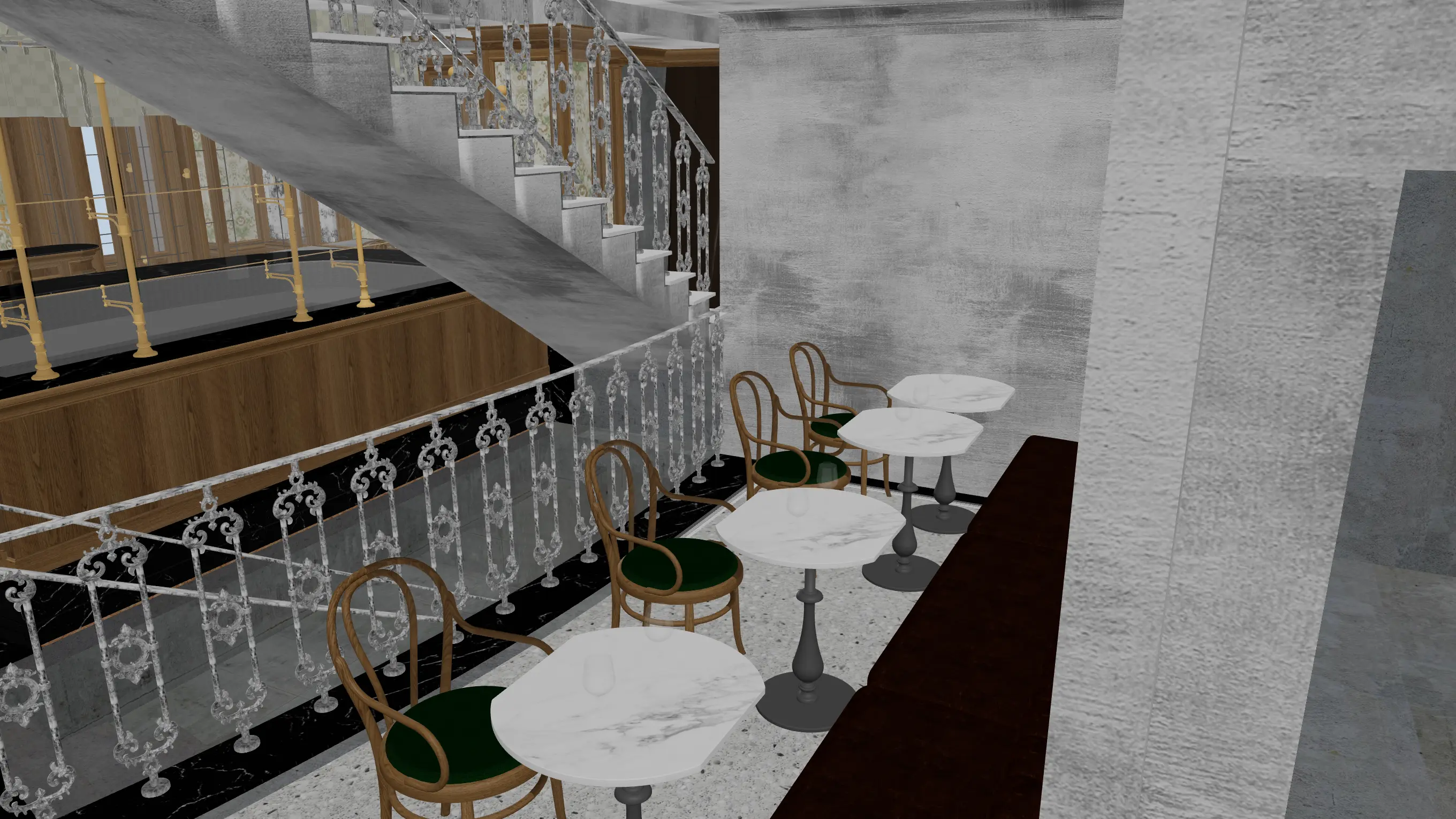
Every angle, perfectly consistent
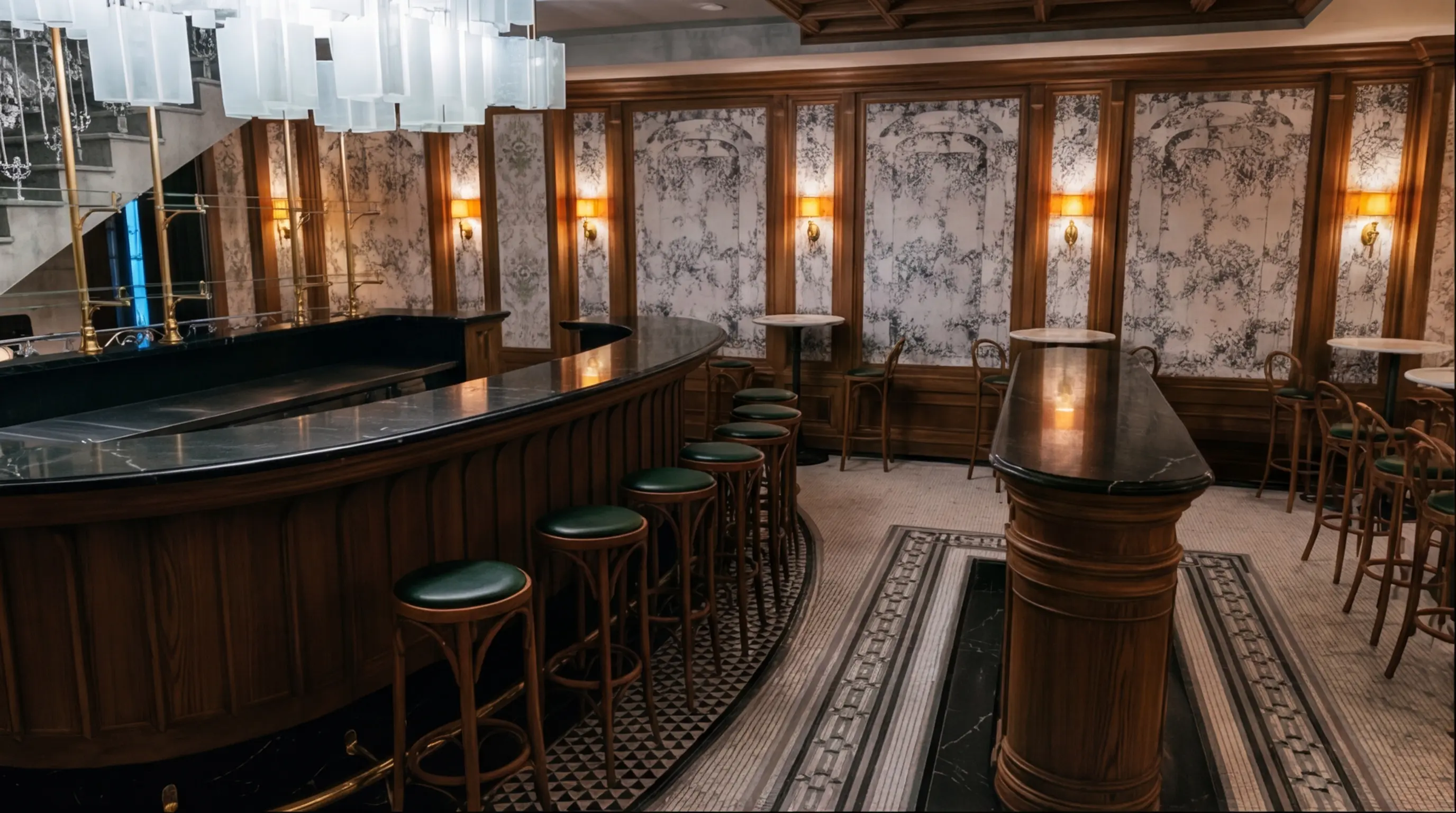
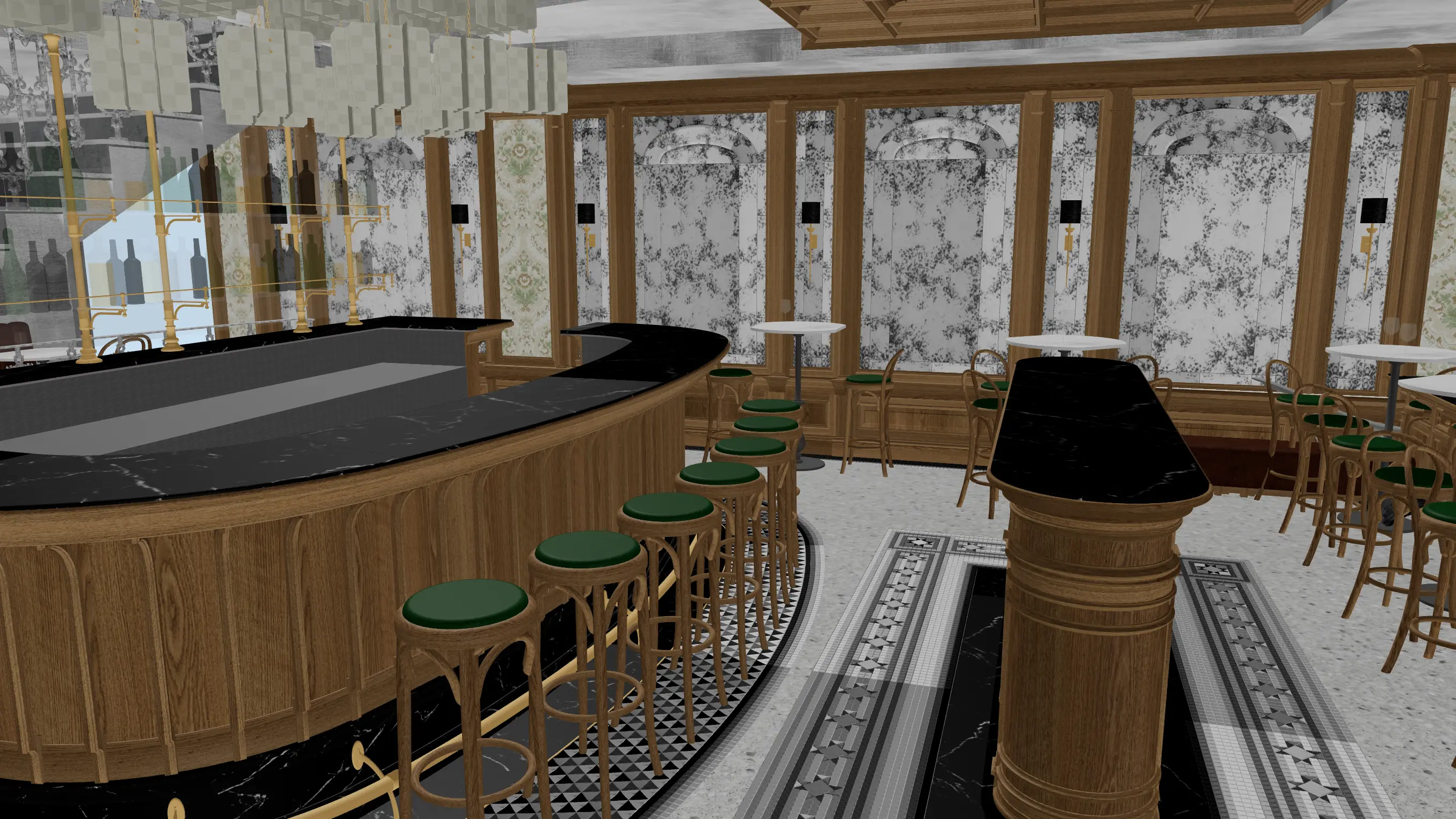
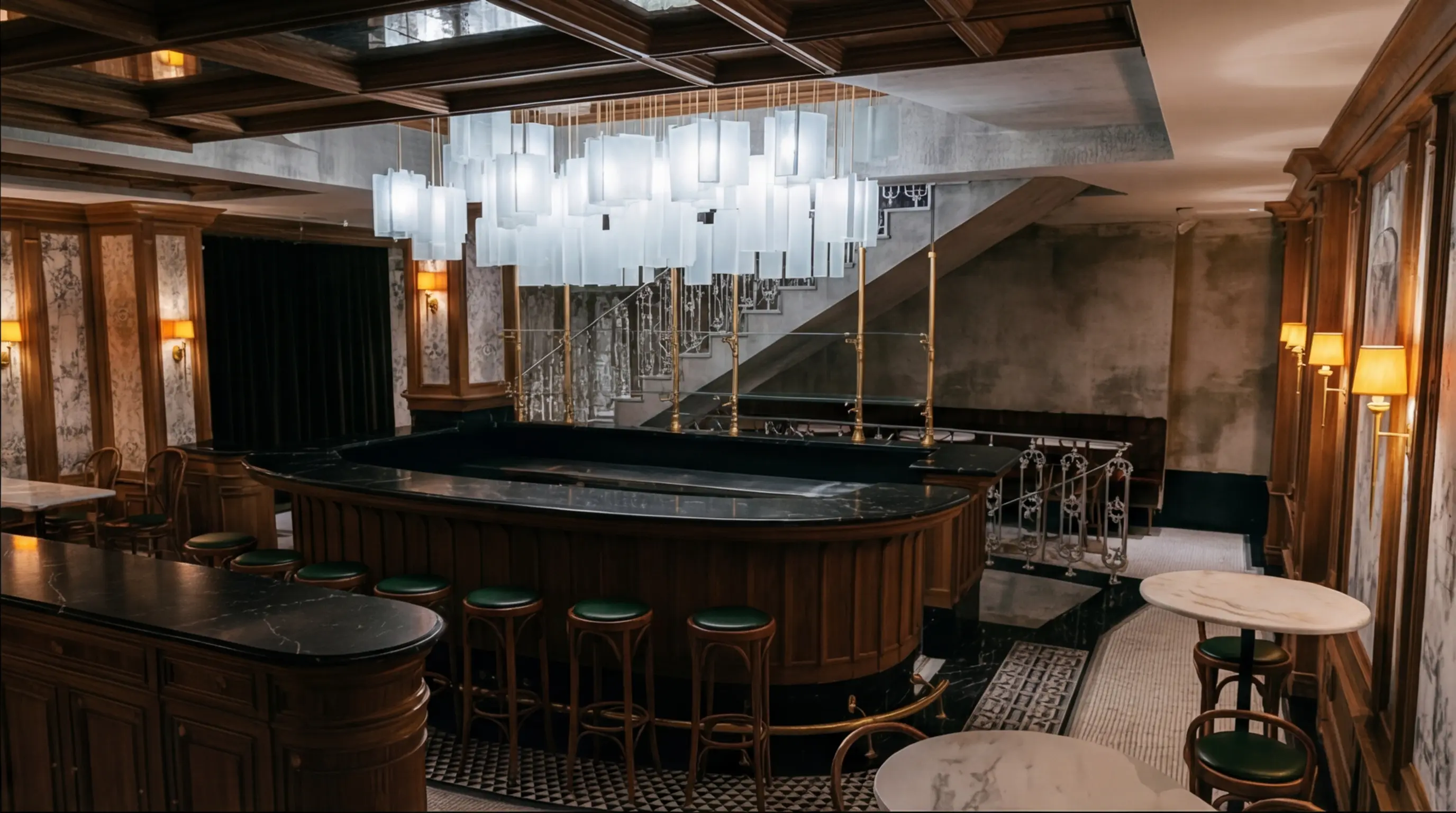
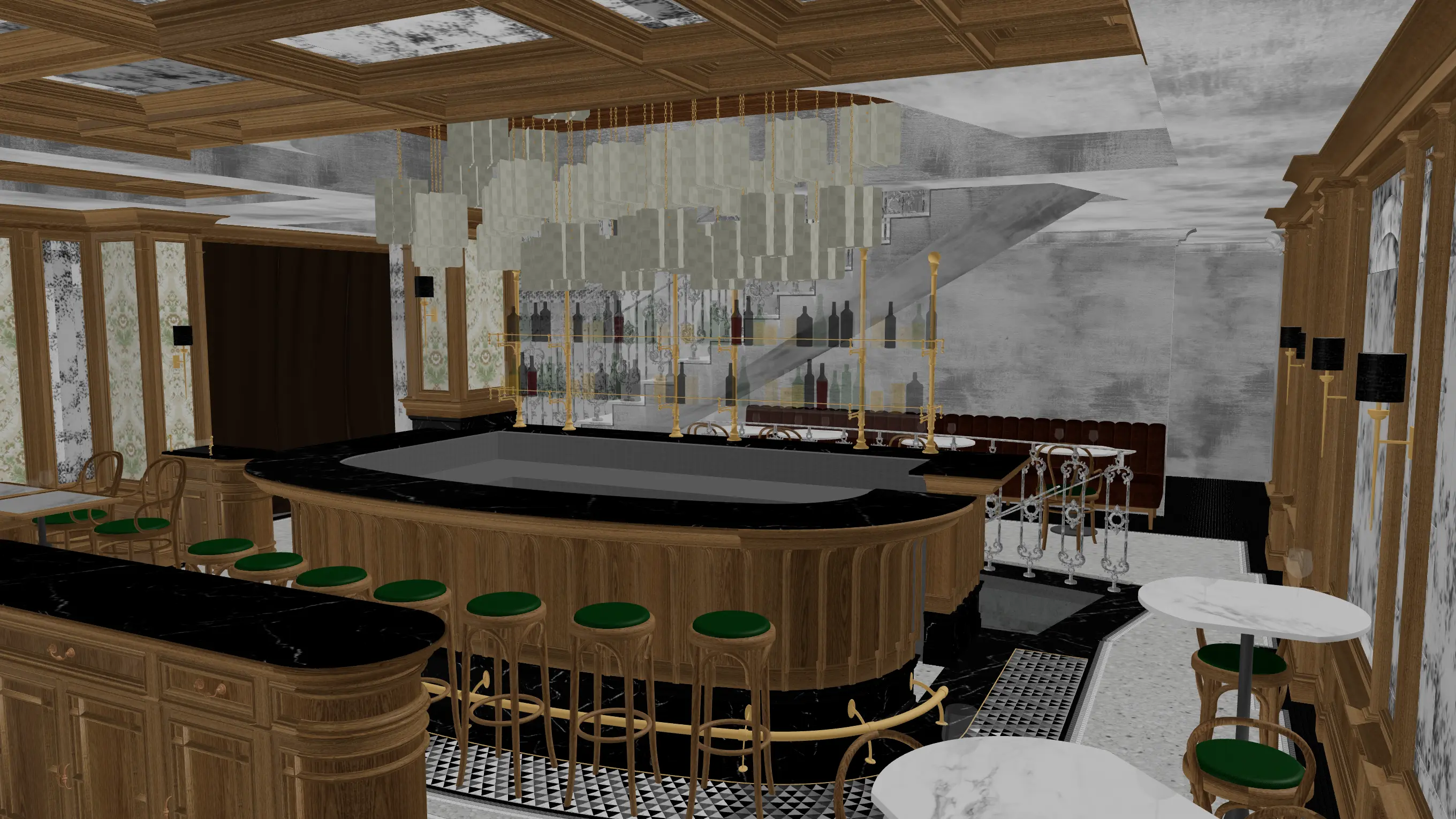
Four angles, one batch. Every material stays consistent across every view. Drag to compare 3D preview vs rendered output.
SketchUp -- GLB -- Image upload
// Why Eler
The fastest rendering software for architects and designers
01
You control the render
No prompts, no revision cycles. You pick the angle and style.
02
Seconds, not days
Under 30 seconds per view. No back-and-forth with a visualization studio.
03
Skip the outsourcing
Stop paying $200-500 per image to a third party.
// Get started
Start creating photorealistic renders today
10 free renders on sign up. No credit card required.
No installation required